

Simply click "Cloud > Open" to access the cloud from within the app.
(Click here to learn more about FurryVNE.)
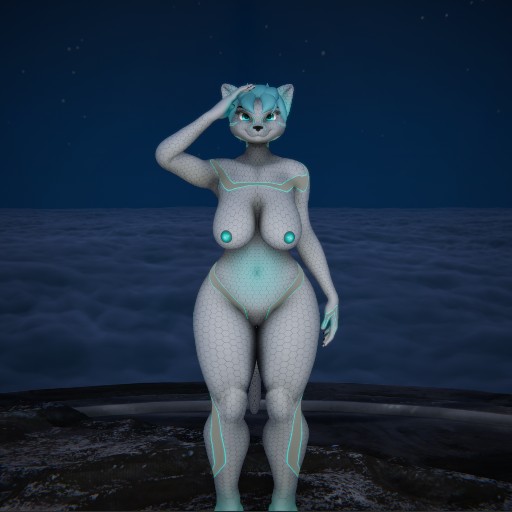
K4t14(Katia)
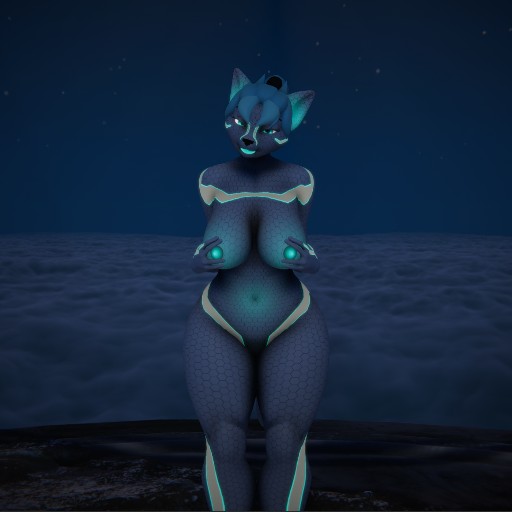
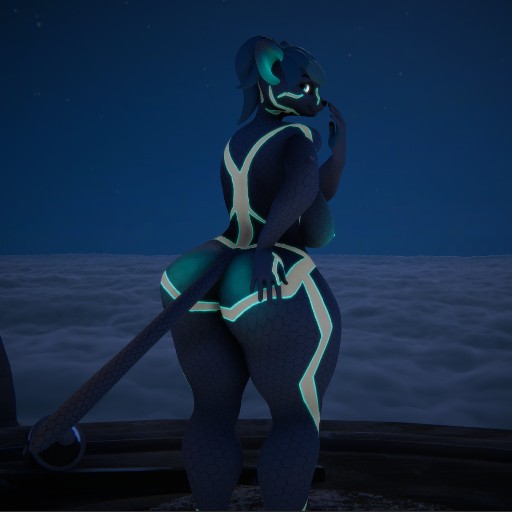
"K4t14 or better known by its commercial name "Katia" is a state of the art robot designed to be your #1 helper. She can accomplish any tasks, from house work, to lawn care, a personal companion, or even as a stress relief device! Fitted with a durable titanium/carbon-fiber frame, puncture resistant silicon skin with inlaid thermal pads, and a state of the art air-bladder system which Katia can use to change forms at will to best suit her needs!"
"For only a metaphorical arm and a leg, you too can live with a piece of the future! BUY NOW!"
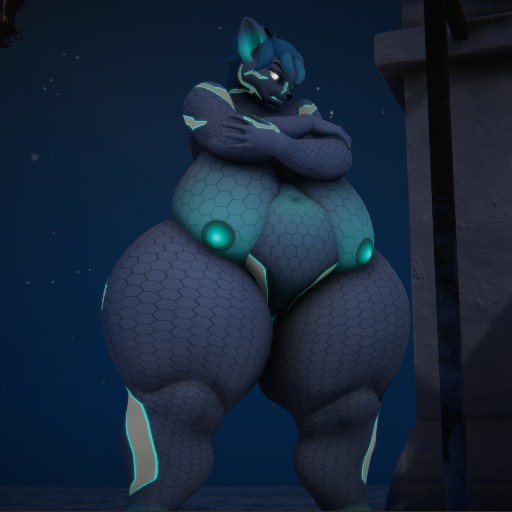
Katia has a few sliders to adjust body aspects, namely: Default to bunny, default to BBW, butt/hip, breasts, and belly.
The BBW appears to have misaligned hands when used so try to keep the slider low or keep finger placements straight. I could add more body types but Bunny, cubby, and bbw all align about the same to default female.
Updated 2024-12-14:
Fixed BBW body causing hands to become misaligned. And toned down belly glow while adding glow to breasts, butt, and nether-regions.
Updated 2024-12-15:
Added 2 more sliders (Athletic and Curvy).
Also tried to tweak bunny feet to limit deformations.
Previous versions
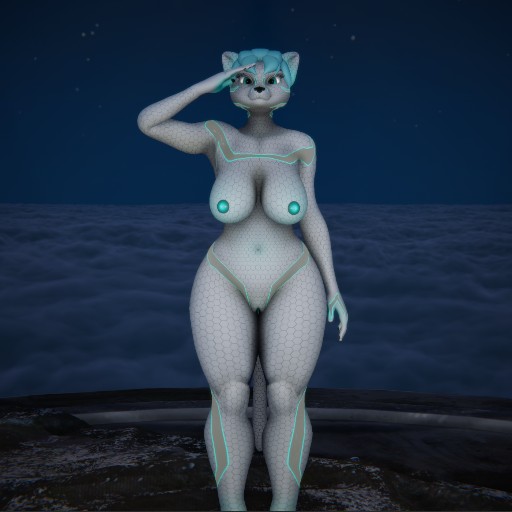


Let me know if you guys would like to see more sliders!
how are you able to change her shape i want to learn to do that so i can use it for interactions please let me know
@Blair
Are you asking how to change the character's shape in interactions?
There should be sliders under the facial emotes tab labeled "user adjustables."
@Cynical_Cynoid
what im asking is how did you making it to where you have the the extra sliders like athletic and curvy
@Blair
Set the character to the body type you want to be adjustable and set the slider to 100.
Then go over to custom offsets and export the offset for blender.
When you load the offset in blender, go straight to exporting it back into VNE.
When you import the new offset into VNE, create an adjustable group by clicking the "+" next to "custom offsets." Set the adjustable to the new offset and check the box labeled "skip first."
Now you can set your character to the body type you want by default.
Just be aware that most body types use different skeletons so some adjustable combinations will cause the body to deform or bend incorrectly. Experiment with what works and doesn't.
When you import the new offset into VNE, create a user adjustable by clicking the "+" next to "custom offsets." Set the adjustable to the new offset and check the box "skinned"
@Cynical_Cynoid