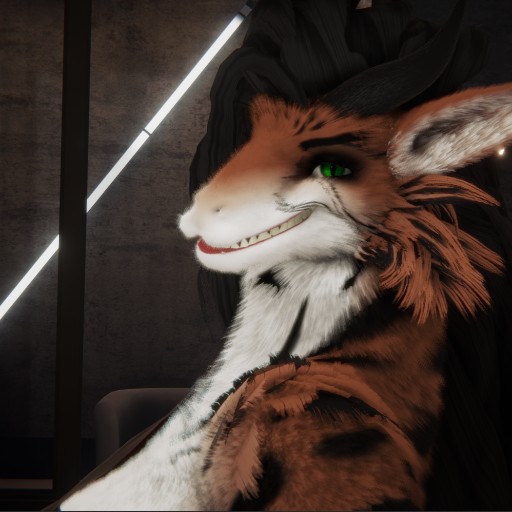
You need to use the in-app browser inside FurryVNE to load this interaction.
Simply click "Cloud > Open" to access the cloud from within the app.
(Click here to learn more about FurryVNE.)
Simply click "Cloud > Open" to access the cloud from within the app.
(Click here to learn more about FurryVNE.)

This is just a sample/Test interaction I did while using the beta version of "1.0" of Fvne.
In this interaction, the whole point is to attach a Camera with an Empty in such a way that I can control the camera without having to leave it, but also have the camera look at a point in a way that it orbits it. This gives immense potential for Camera use.
To make one yourself, place an empty and then place a camera where the empty was. Move the camera a distance back, but facing the empty. Then attach the camera with the empty. Use the empty node to position the camera. Rotate/Position the camera for a little extra adjustments.
While on camera view, rotate/move the empty node to move while on camera view.